MCSE Online Live Class by Experts
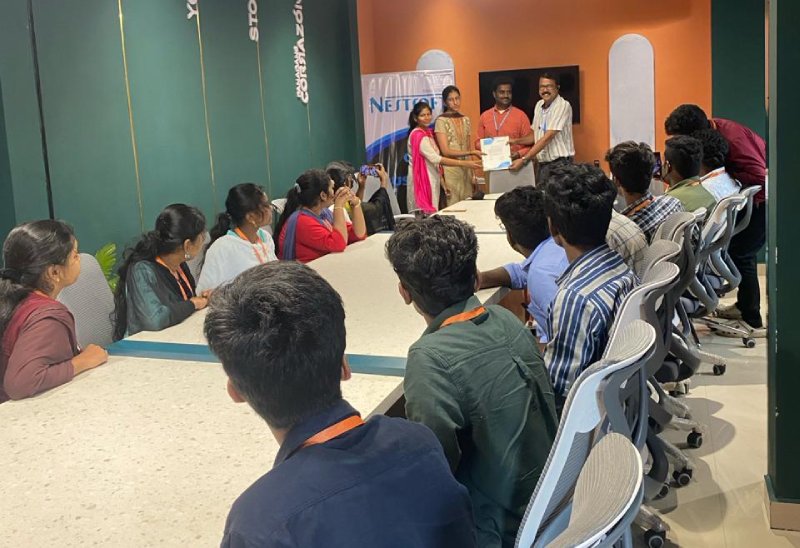
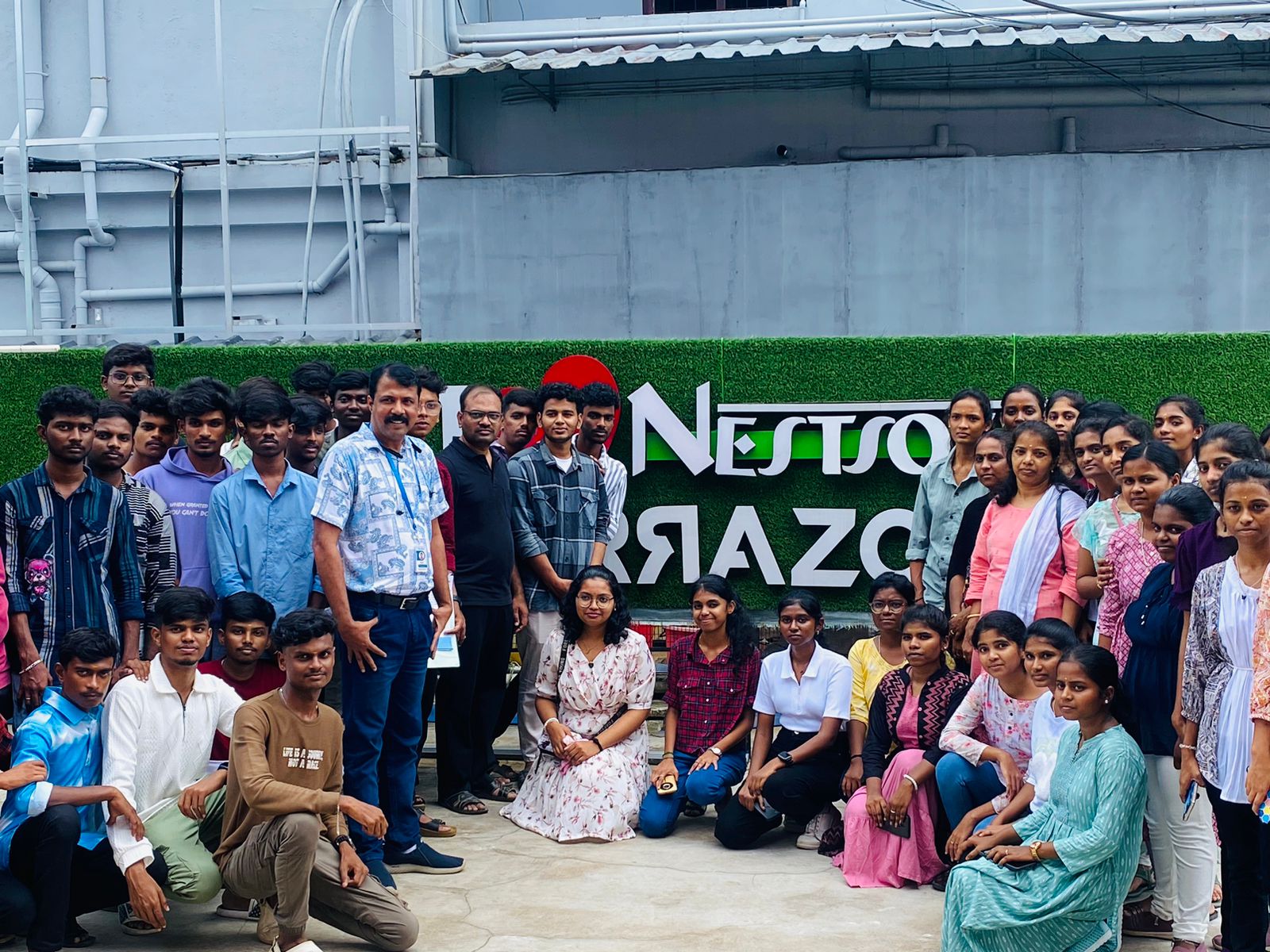
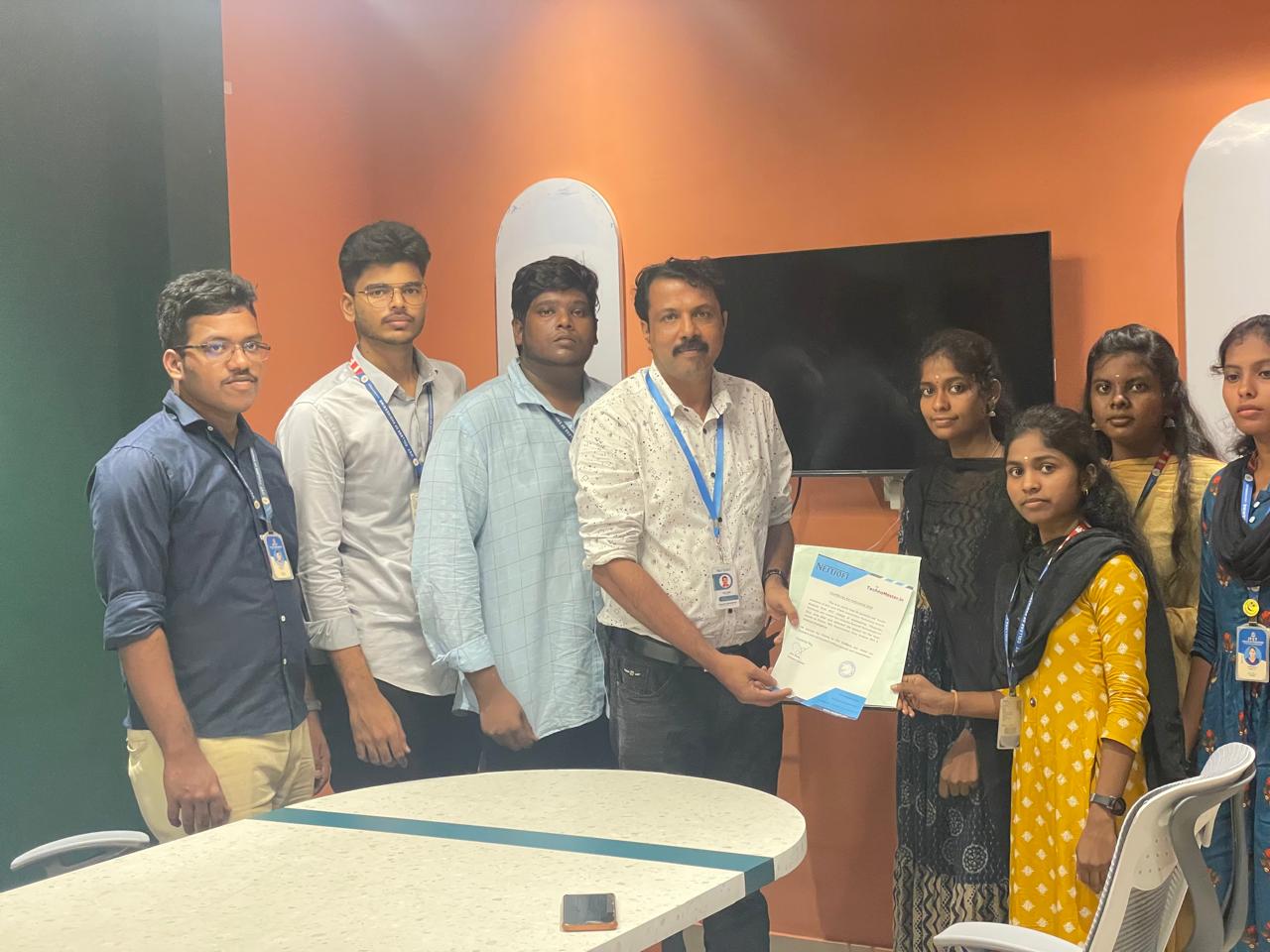
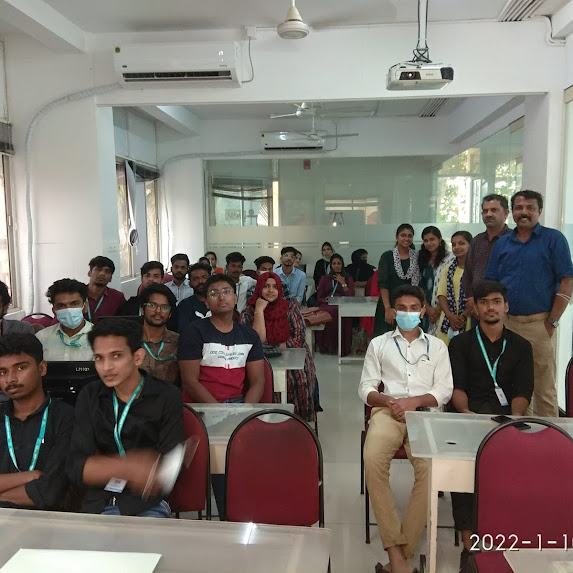
Our Training/Internship Process

MCSE - Syllabus, Fees & Duration
MODULE 1
- Windows Server 2012 Overview
- Overview of Windows Server 2012 Management
- Installing Windows Server 2012
- Post-Installation Configuration of Windows Server 2012
- Introduction to Windows PowerShell
MODULE 2
- Introduction to Active Directory Domain Services
- Overview of AD DS
- Overview of Domain Controllers
- Installing a Domain Controller
MODULE 3
- Managing Active Directory Domain Services Objects
- Managing User Accounts
- Managing Group Accounts
- Managing Computer Accounts
- Delegating Administration
MODULE 4
- Automating Active Directory Domain Services Administration
- Using Command-line Tools for Administration
- Using Windows PowerShell for Administration
- Performing Bulk Operations with Windows PowerShell
MODULE 5
- Implementing IPv4
- Overview of TCP/IP
- Understanding IPv4 Addressing
- Subnetting and Supernetting
- Configuring and Troubleshooting IPv4
MODULE 6
- Implementing DHCP
- Installing a DHCP Server Role
- Configuring DHCP Scopes
- Managing a DHCP Database
- Securing and Monitoring DHCP
MODULE 7
- Implementing DNS
- Name Resolution for Windows Client and Servers
- Installing and Managing a DNS Server
- Managing DNS Zones
MODULE 8
- Implementing IPv6
- Overview of IPv6
- IPv6 Addressing
- Coexistence with IPv6
- IPv6 Transition Technologies
MODULE 9
- Implementing Local Storage
- Overview of Storage
- Managing Disks and Volumes
- Implementing Storage Spaces
MODULE 10
- Implementing File and Print Services
- Securing Files and Folders
- Protecting Shared Files and Folders Using Shadow Copies
- Configuring Network Printing
MODULE 11
- Implementing Group Policy
- Overview of Group Policy
- Group Policy Processing
- Implementing a Central Store for Administrative Templates
MODULE 12
- Securing Windows Servers Using Group Policy Objects
- Windows Security Overview
- Configuring Security Settings
- Restricting Software
- Configuring Windows Firewall with Advanced Security
MODULE 13
- Implementing Server Virtualization with Hyper-V
- Overview of Virtualization Technologies
- Implementing Hyper-V
- Managing Virtual Machine Storage
- Managing Virtual Networks
MODULE 14
- Administering windows server
- Deploying and Maintaining Server Images
- Configuring and Troubleshooting Domain Name System
- Maintaining Active Directory Domain Services
- Managing User and Service Accounts
- Implementing a Group Policy Infrastructure
- Managing User Desktops with Group Policy
- Configuring and Troubleshooting Remote Access
- Installing, Configuring, and Troubleshooting the Network Policy Server Role
- Implementing Network Access Protection
- Optimizing File Services
- Configuring Encryption and Advanced Auditing
- Implementing Update Management
- Monitoring Windows Server 2012
MODULE 15
- Configuring Advanced Windows Server Services
- Implementing Advanced Network Services
- Implementing Advanced File Services
- Implementing Dynamic Access Control
- Implementing Distributed Active Directory Domain Services Deployments
- Implementing Active Directory Domain Services Sites and Replication
- Implementing Active Directory Certificate Services
- Implementing Active Directory Rights Management Services
- Implementing Network Load Balancing
- Implementing Failover Clustering
- Implementing Failover Clustering with Hyper-V
- Implementing Disaster Recovery
This syllabus is not final and can be customized as per needs/updates
- Since 2001, Making IT Experts by Experts
- Duration: 40 Hours (Vary as per your skill)
- Course Fees
- Individual Live Classes (1:1)
- Batch Classes @ Low Fees
- Training on Your Time, Any Where
- Access to Recorded Videos
- Practical Internship on Projects
- 100% Placement Support by our jobsNEAR.in
- Training/Internship Certificate
- Agra
- Ahmedabad
- Alappuzha
- Aurangabad
- Bangalore
- Belgaum
- Bellary
- Bhubaneswar
- Chennai
- Cochin
- Coimbatore
- Delhi
- Dindigul
- Erode
- Gulbarga
- Guntur
- Gurgaon
- Haryana
- Hyderabad
- Idukki
- Indore
- Jaipur
- Kalyan
- Kannur
- Kanpur
- Kasaragod
- Kerala
- Kolkata
- Kollam
- Kottayam
- Kozhikode
- Lucknow
- Madurai
- Malappuram
- Mangaluru
- Mumbai
- Mysuru
- Nagpur
- Nashik
- Navi Mumbai
- Nizamabad
- Noida
- Palakkad
- Pathanamthitta
- Pune
- Punjab
- Salem
- Shimla
- Solapur
- Surat
- Thane
- Thanjavur
- Thirunelveli
- Thoothukudi
- Thrissur
- Tiruchirappalli
- Tiruppur
- Trivandrum
- Vadodara
- Varanasi
- Vellore
- Vijayawada
- Visakhapatnam
- Wayanad
Course Highlights

Our Locations

 MCSE online training in a specific Aurangabad is a job-oriented course. Managing users, updating the server environment, monitoring the file server, recovering from hardware failure, backup procedure, IP addressing, TCP/IP setup and name resolution, and DNS server are some of the subjects covered during online certification training. Develop and demonstrate your devotion to your career by becoming an MCSE certified professional, and you'll earn high pay. NESTSOFT offers Microsoft certified solution expert certification in a variety of ways. We are capable of designing and constructing networks. In the MCSE online training course, our skilled educators will give you certification guidance.
Students who want to clear up any questions can benefit from one-on-one teaching and can submit an email with any questions. In the engineering section, Microsoft certified solution expert. NESTSOFT training will teach you about server environments, DHCP, DNS servers, IP addressing, and routing, among other topics. Applicants will be introduced to the following aspects of the Microsoft Windows operating system, related desktop systems, networking, and Microsoft Back office supplied products while taking the course.
MCSE online training in a specific Aurangabad is a job-oriented course. Managing users, updating the server environment, monitoring the file server, recovering from hardware failure, backup procedure, IP addressing, TCP/IP setup and name resolution, and DNS server are some of the subjects covered during online certification training. Develop and demonstrate your devotion to your career by becoming an MCSE certified professional, and you'll earn high pay. NESTSOFT offers Microsoft certified solution expert certification in a variety of ways. We are capable of designing and constructing networks. In the MCSE online training course, our skilled educators will give you certification guidance.
Students who want to clear up any questions can benefit from one-on-one teaching and can submit an email with any questions. In the engineering section, Microsoft certified solution expert. NESTSOFT training will teach you about server environments, DHCP, DNS servers, IP addressing, and routing, among other topics. Applicants will be introduced to the following aspects of the Microsoft Windows operating system, related desktop systems, networking, and Microsoft Back office supplied products while taking the course.