SalesForce Online Live Class by Experts
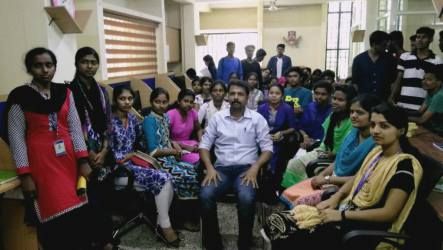
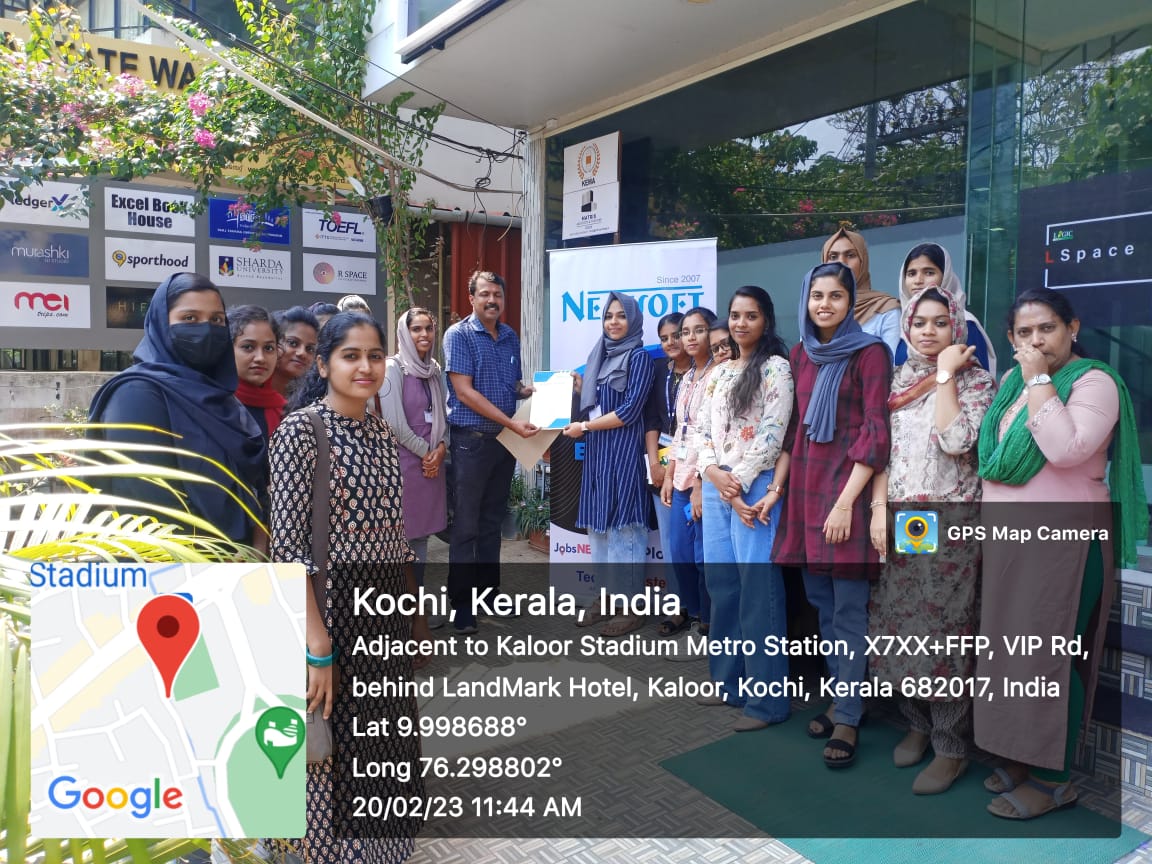
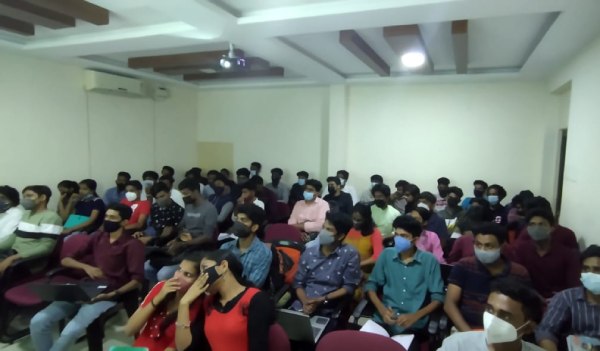
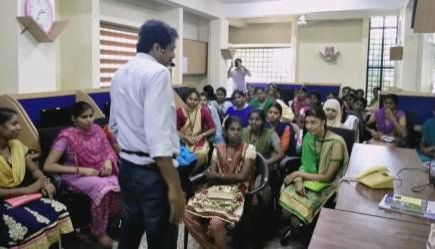
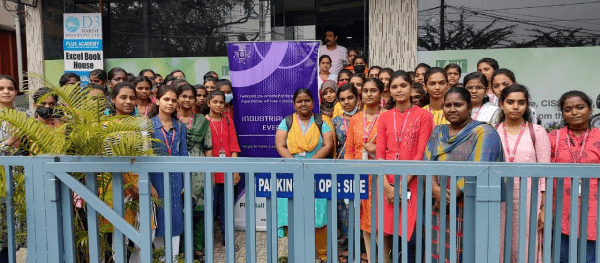
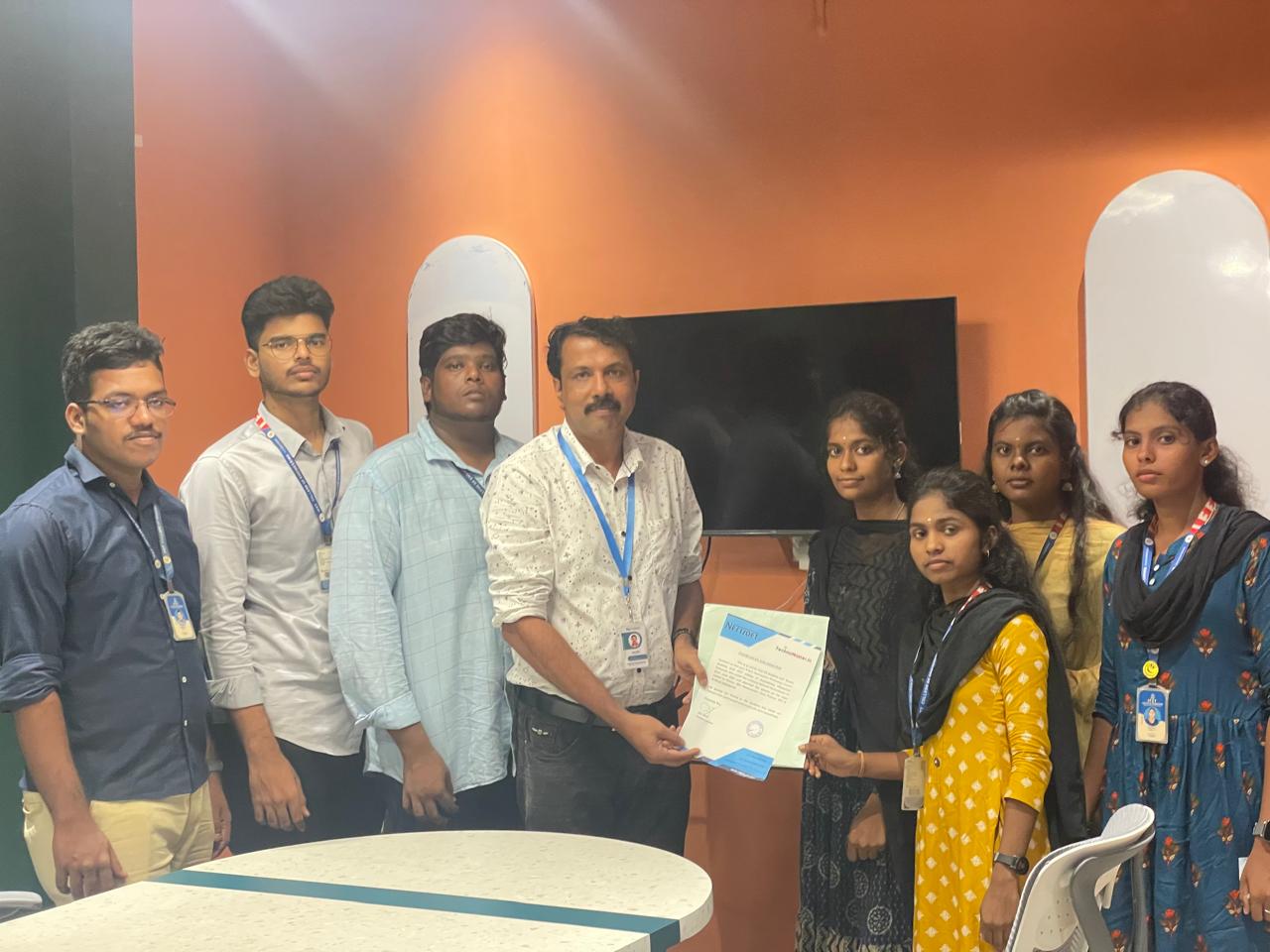
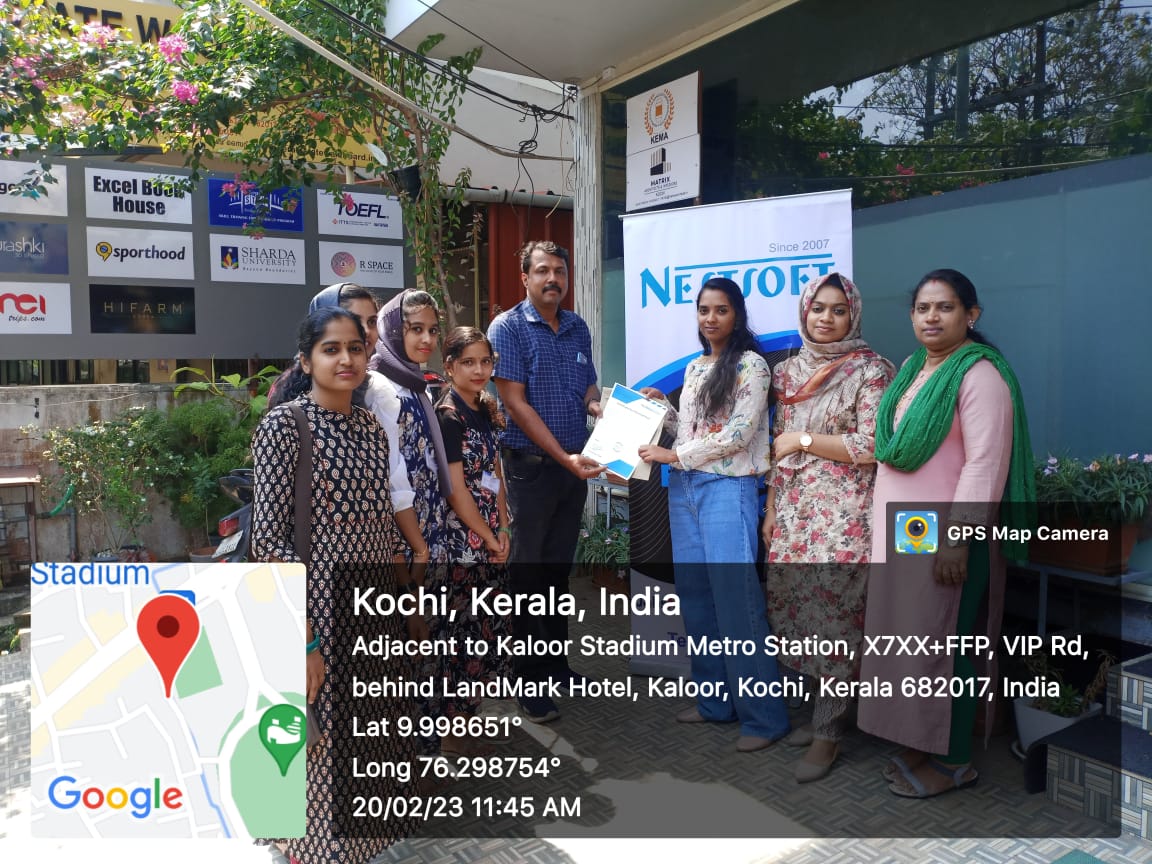
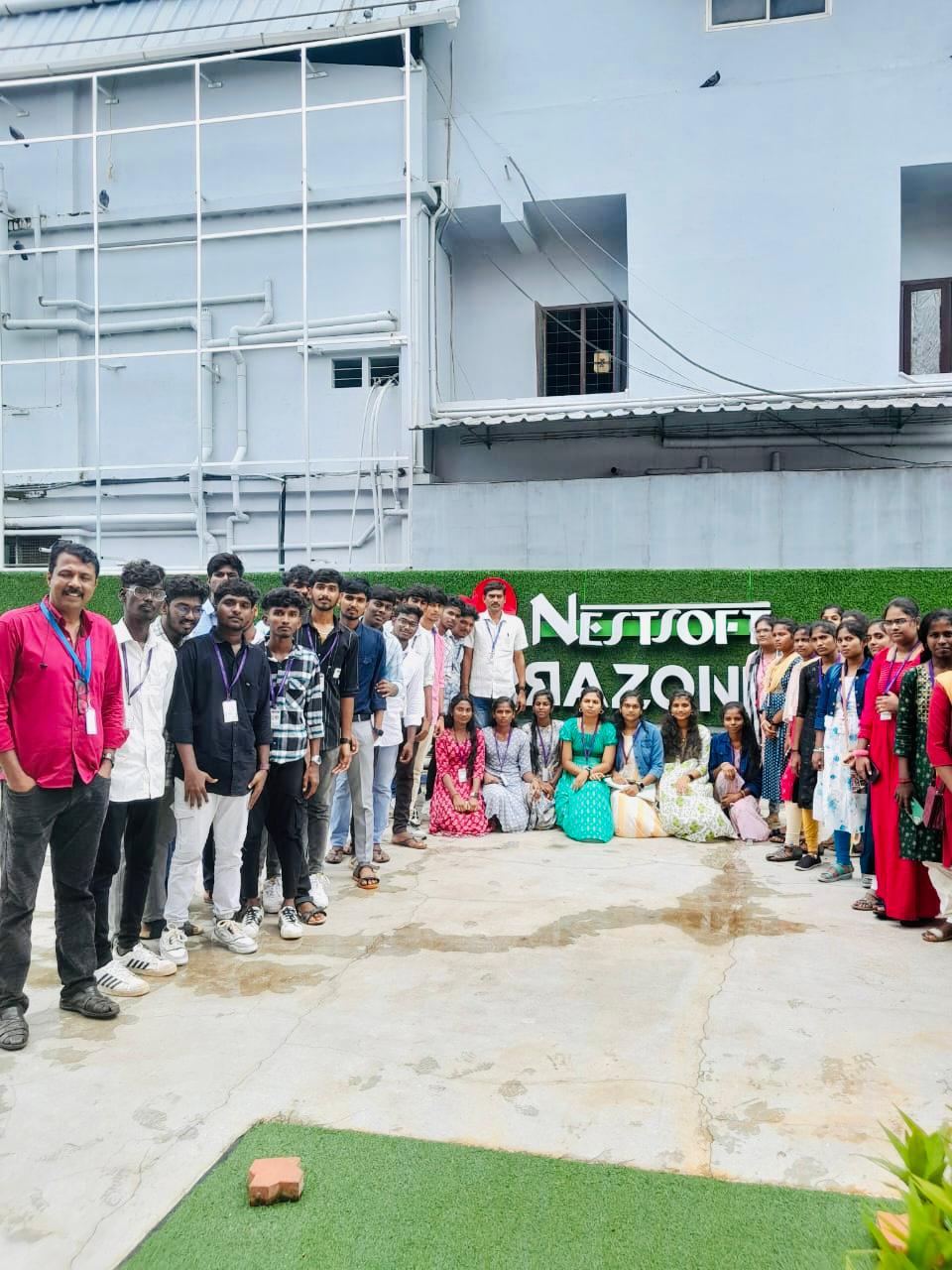
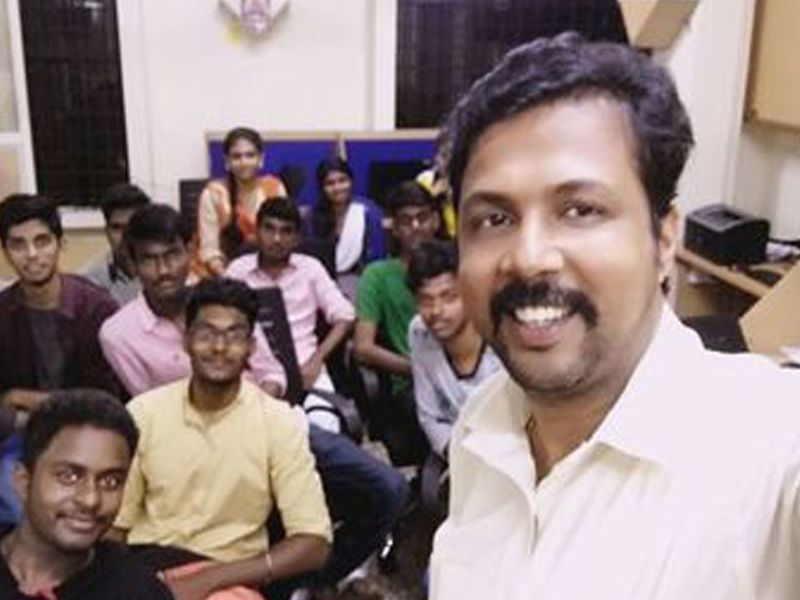
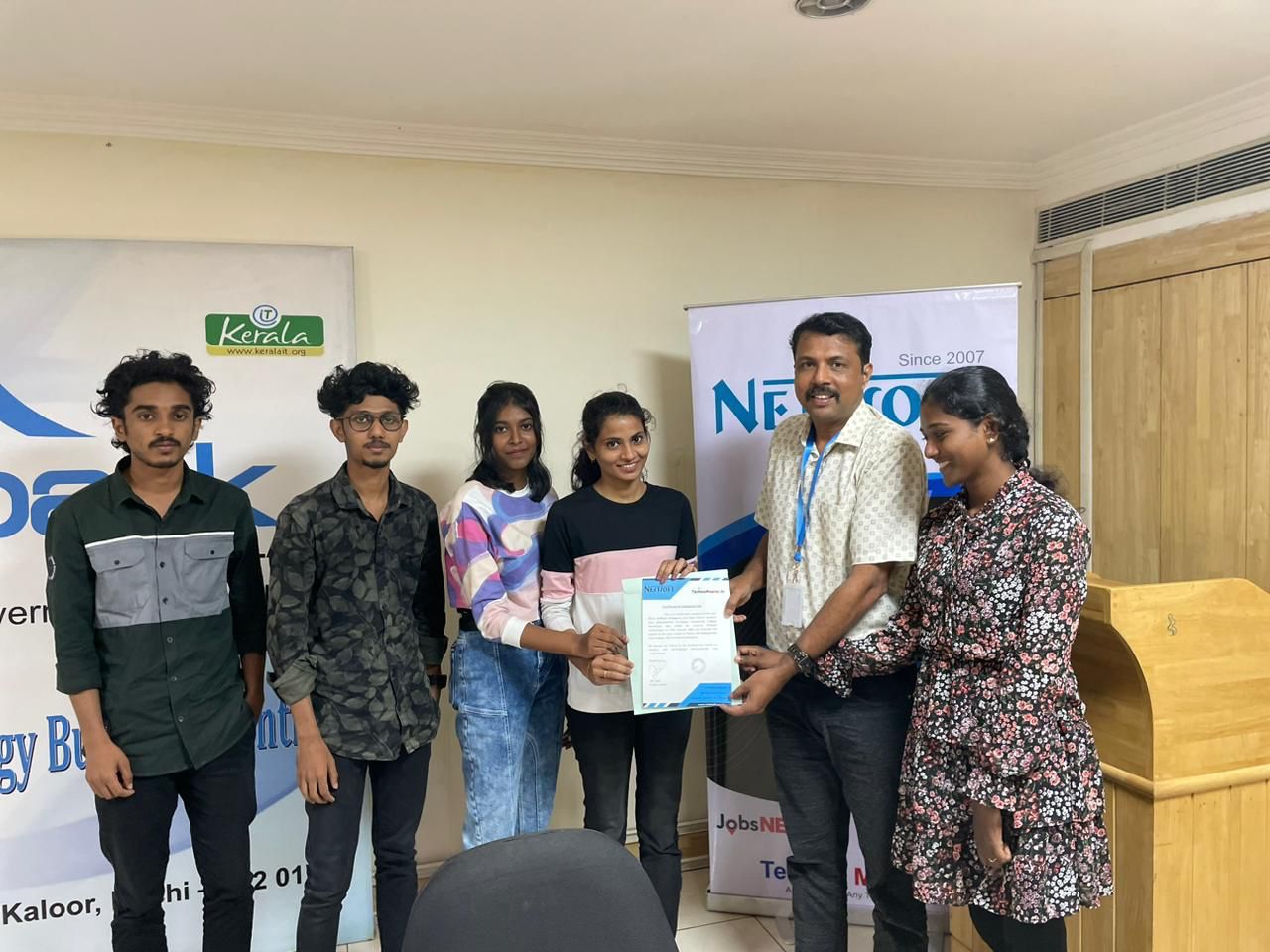
Our Training/Internship Process

SalesForce - Syllabus, Fees & Duration
1. Introduction to Salesforce CRM
- Overview of CRM and its importance in businesses
- Introduction to Salesforce ecosystem
- Sales Cloud
- Service Cloud
- Marketing Cloud
- Commerce Cloud
- Editions and Licensing in Salesforce
- Key Terminologies in Salesforce
2. Salesforce Basics and Navigation
- Understanding the Salesforce user interface (UI)
- Salesforce Apps and AppExchange
- Tabs, Objects, Records, and Fields
- Setup and Configuration: Basics
- Creating and managing list views
3. Salesforce Data Model and Management
- Data Models: Standard vs. Custom Objects
- Fields: Standard and Custom Fields
- Relationships in Salesforce:
- Master-Detail Relationship
- Lookup Relationship
- Many-to-Many Relationship
- Data Import and Export
- Data Loader
- Import Wizard
- Data Validation and Rules
- Validation Rules
- Required Fields
4. Salesforce Security and Access
- User Management
- Creating and managing users
- Profiles and Permission Sets
- Role Hierarchies
- Organization-Wide Defaults (OWD)
- Sharing Rules and Manual Sharing
- Field-Level Security
- Login IP Ranges and Session Settings
5. Business Process Automation
- Workflow Rules
- Process Builder
- Approval Processes
- Email Alerts and Templates
- Escalation and Assignment Rules
6. Salesforce Lightning Experience
- Overview of Salesforce Lightning
- Transition from Classic to Lightning
- Lightning App Builder
- Creating and customizing pages
- Components and utilities
- Lightning Flow (Flow Builder)
- Types of Flows
- Flow vs. Process Builder
7. Reports and Dashboards
- Creating and customizing Reports
- Tabular, Summary, Matrix, and Joined Reports
- Report Filters and Formulas
- Dashboards:
- Dashboard Components
- Dynamic Dashboards
- Scheduling and Exporting Reports
8. Sales and Service Cloud
Sales Cloud:
- Lead Management
- Lead Conversion Process
- Opportunity Management
- Stages, Forecasting, and Pipeline
- Products, Price Books, and Quotes
Service Cloud:
- Case Management
- Creating and resolving cases
- Case Assignment Rules
- Knowledge Base Management
- Entitlements and Milestones
- Service Console
9. Integration and AppExchange
- Introduction to Salesforce Integrations
- REST and SOAP APIs
- Integration with third-party tools (e.g., Outlook, Gmail, Slack)
- Introduction to AppExchange
- Installing and managing apps
- Popular AppExchange tools
10. Salesforce Development Basics
- Overview of Salesforce Development
- Introduction to Apex
- Apex Triggers
- Apex Classes
- Visualforce Basics
- Introduction to Lightning Web Components (LWCs)
11. Salesforce Deployment and Sandbox Management
- Types of Sandboxes
- Change Sets
- Deployment Best Practices
- Version Control with Git and other tools
12. Industry-Specific Use Cases
- Salesforce for Retail
- Salesforce for Healthcare
- Salesforce for Financial Services
13. Certification Guidance
- Overview of Salesforce Certifications
- Salesforce Administrator
- Salesforce Platform App Builder
- Salesforce Developer
- Salesforce Architect
- Exam Tips and Preparation
14. Advanced Topics (Optional)
- Salesforce Einstein (AI features)
- Salesforce Marketing Cloud Overview
- Advanced Security (Shield)
- Advanced Analytics (Tableau CRM)
This syllabus is not final and can be customized as per needs/updates
- Since 2001, Making IT Experts by Experts
- Duration: 30 Hours (Vary as per your skill)
- Course Fees
- Individual Live Classes (1:1)
- Batch Classes @ Low Fees
- Training on Your Time, Any Where
- Access to Recorded Videos
- Practical Internship on Projects
- 100% Placement Support by our jobsNEAR.in
- Training/Internship Certificate
- Agra
- Ahmedabad
- Alappuzha
- Aurangabad
- Bangalore
- Belgaum
- Bellary
- Bhubaneswar
- Chennai
- Cochin
- Coimbatore
- Delhi
- Dindigul
- Erode
- Gulbarga
- Guntur
- Gurgaon
- Haryana
- Hyderabad
- Idukki
- Indore
- Jaipur
- Kalyan
- Kannur
- Kanpur
- Kasaragod
- Kerala
- Kolkata
- Kollam
- Kottayam
- Kozhikode
- Lucknow
- Madurai
- Malappuram
- Mangaluru
- Mumbai
- Mysuru
- Nagpur
- Nashik
- Navi Mumbai
- Nizamabad
- Noida
- Palakkad
- Pathanamthitta
- Pune
- Punjab
- Salem
- Shimla
- Solapur
- Surat
- Thane
- Thanjavur
- Thirunelveli
- Thoothukudi
- Thrissur
- Tiruchirappalli
- Tiruppur
- Trivandrum
- Vadodara
- Varanasi
- Vellore
- Vijayawada
- Visakhapatnam
- Wayanad
Course Highlights
Our Locations

 . Designed for professionals, administrators, and anyone looking to master Salesforce, this course provides the skills and knowledge necessary to effectively manage customer relationships and optimize business processes. Transform your career and business operations with our in-depth Salesforce CRM Training Course.